
Your store, on the counter and in your pocket
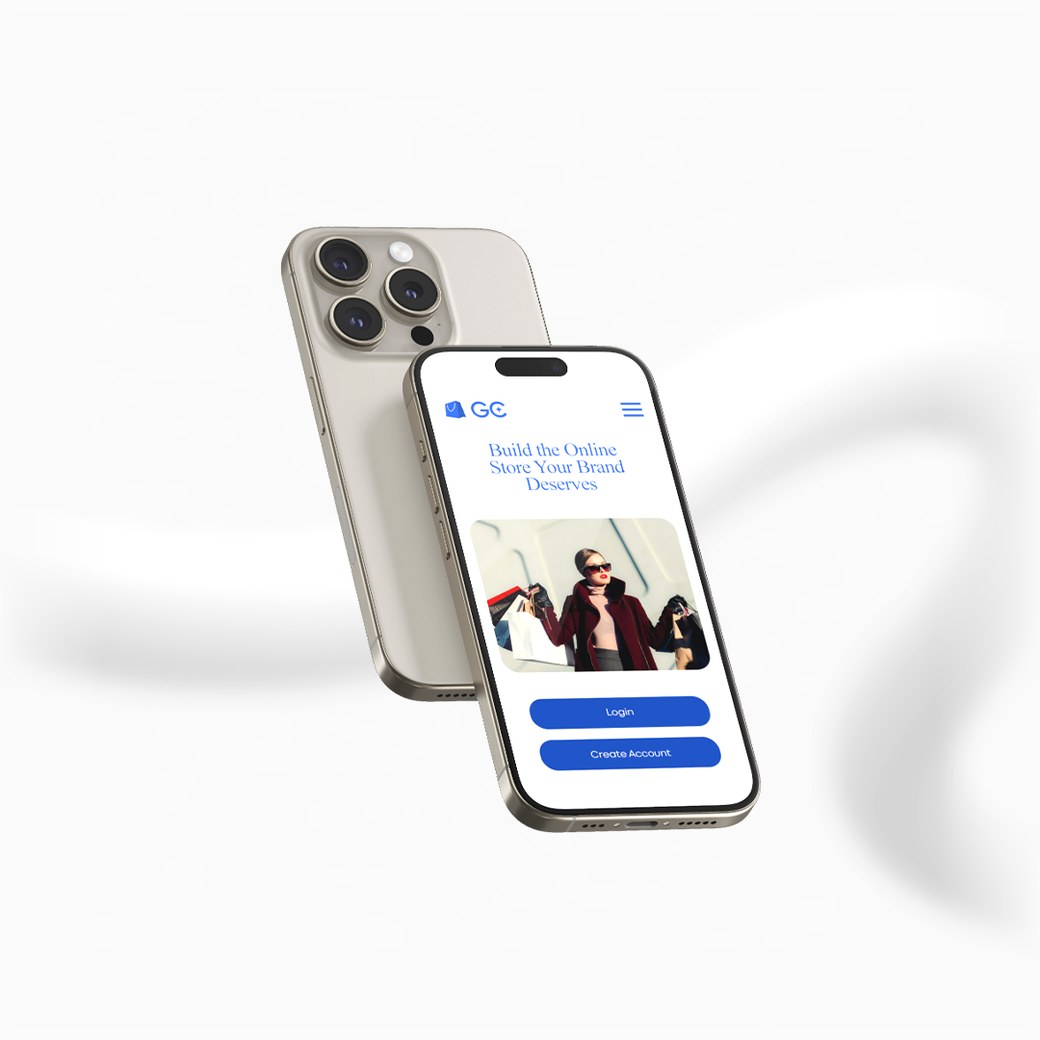
The same account, wherever you are. Run the till on a computer, check stock from your phone, and print a receipt the moment a sale goes through.
Two things a web browser cannot do
Everything else works the same in your browser. These are the parts that need to reach the hardware on your counter.

Send a receipt straight to your thermal printer, and open the cash drawer with it. Turn on automatic printing and every sale prints itself as it completes. In a browser, receipts download as a PDF instead.
Point your phone at a barcode to find a product, add it to a sale, or count stock — no extra equipment. Barcode scanners you already own keep working everywhere, including on the desktop app.
A couple of things worth knowing
You sign in with the account you already have. Nothing is separate — the same store, the same data, the same people.
Updates come from this page. When a new version is out, download it here and install over the top — your account and settings stay where they are.
Your device may warn you the first time. These apps are downloaded directly from us rather than from an app store, so your phone or computer may ask you to confirm before installing.
You need a connection. The apps work with your store live, so they need to be online.
Not signed up yet?
Start a free month first — no card needed. The apps are yours to install once you have an account.