
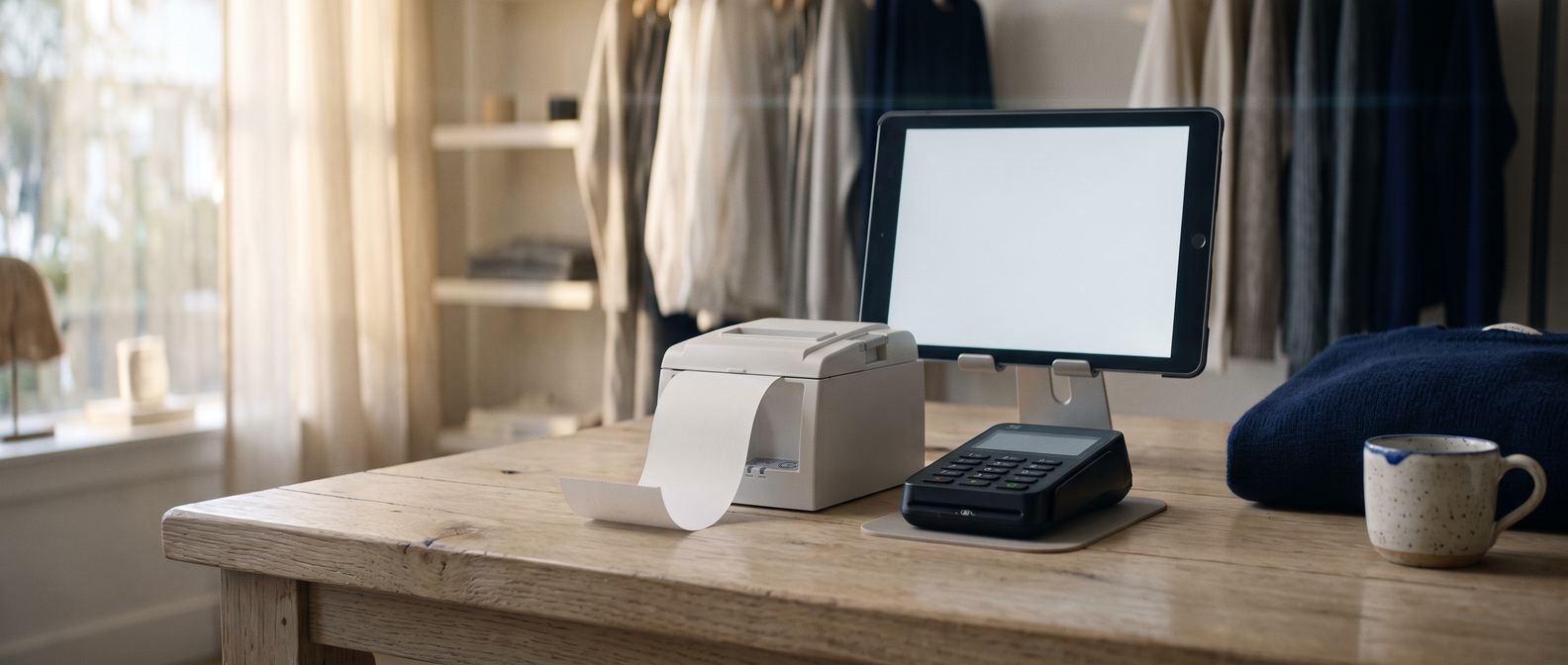
The counter isalready in your store.
Ring up a sale on the same catalog, the same customers and the same books as your online orders. Nothing to connect, nothing to reconcile, no second system to keep in step.
Everything a sale needs, and nothing you have to remember.
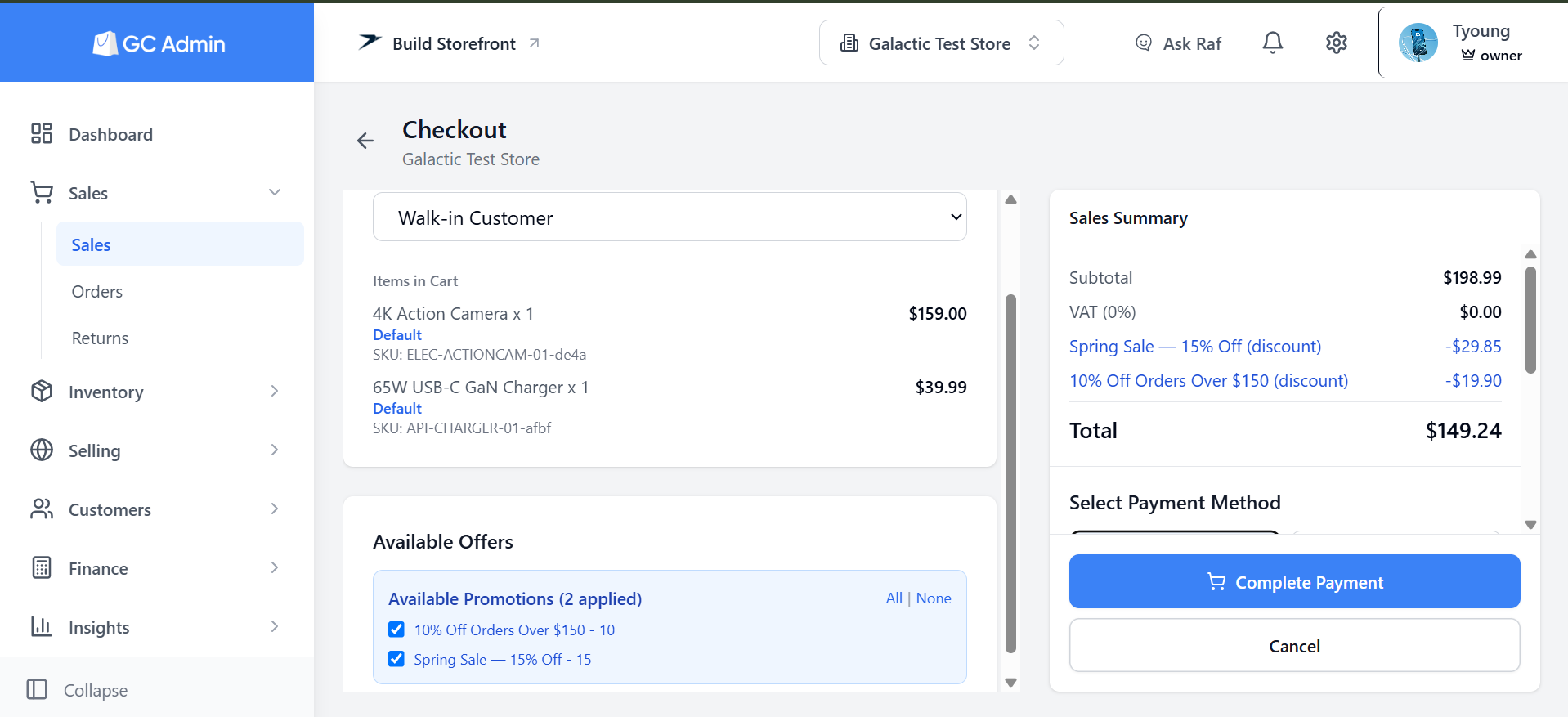
Add items, pick a customer or leave it as a walk-in, and take the payment. The price, the tax and every offer are worked out for you, so the number on the screen is the number the customer pays.
Take the payment
Cash, with the change worked out for you. Card through Stripe, PayPal or Paystack: the customer scans a code and the sale completes the moment they pay. Mobile money where you have it, or a payment provider of your own. Only the methods you switched on ever appear.
Offers apply themselves
Any promotion your cart qualifies for is on before you look for it: a percentage, a fixed amount, a bundle, or buy one get one. Budgeted campaigns count against their budget here too. An offer marked online-only stays online. Untick anything the customer does not want.
Redeem a gift card
Swipe or tap the customer’s card, pick the customer and their cards appear, or type the code. The card only ever covers what it can, and a redemption that fails never spends the balance, so the customer keeps it for next time.
Your scanner already works. So does your camera.
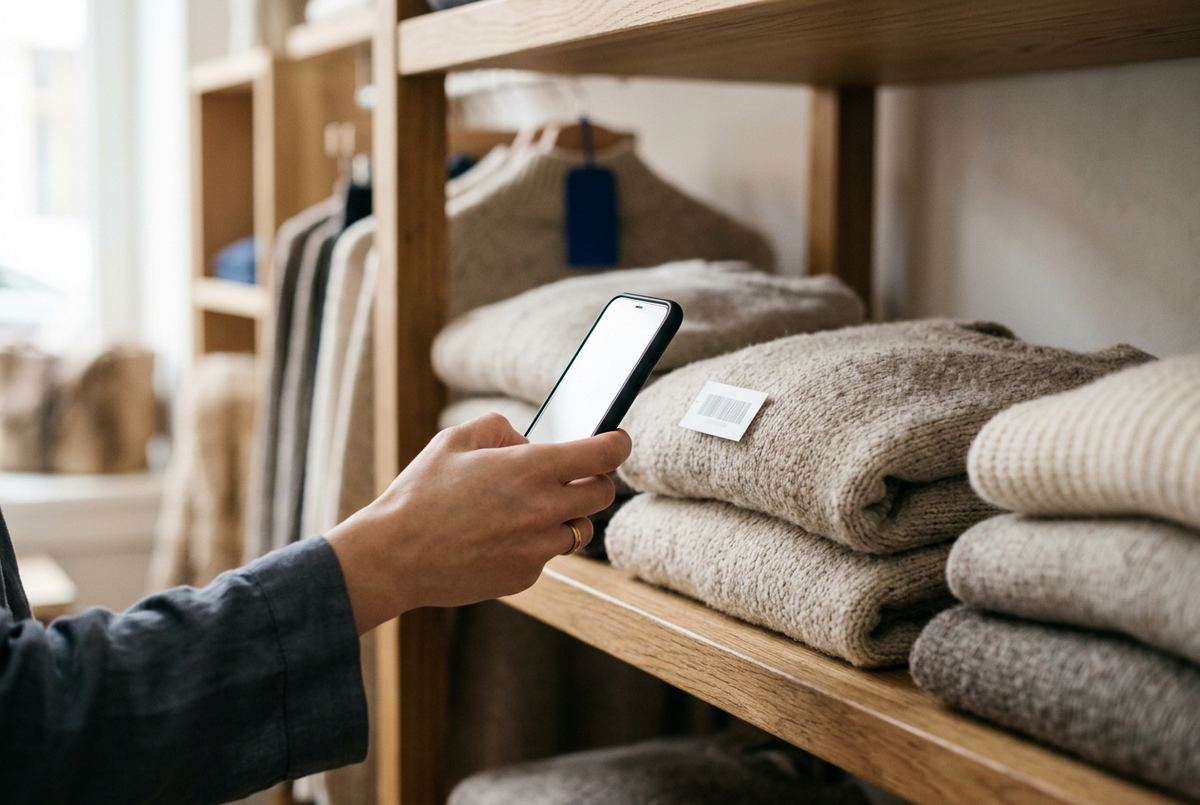
Scan a barcode anywhere in the app and the product lands in a new sale. Any scanner you already own works on every device. On the phone app, the camera scans too.
For products where every unit has its own barcode, the till asks for the scan, checks the unit is on the shelf, and refuses the same one twice.
A cart cannot exceed what is in stock, and a sold-out product cannot be added at all.
Complete the payment. Everything else follows.
A sale is one action at the counter and one moment in the store. Nothing waits for you to update it afterwards.
Stock
Every unit sold is off the shelf count, or marked sold if you track each one by its own barcode.
The books
Revenue, tax and cost of goods post themselves as a balanced entry the moment the sale lands.
The customer
A named customer’s history updates, in-store and online together.
The receipt
Prints, or downloads as a PDF, with a code the customer can scan to see it again.
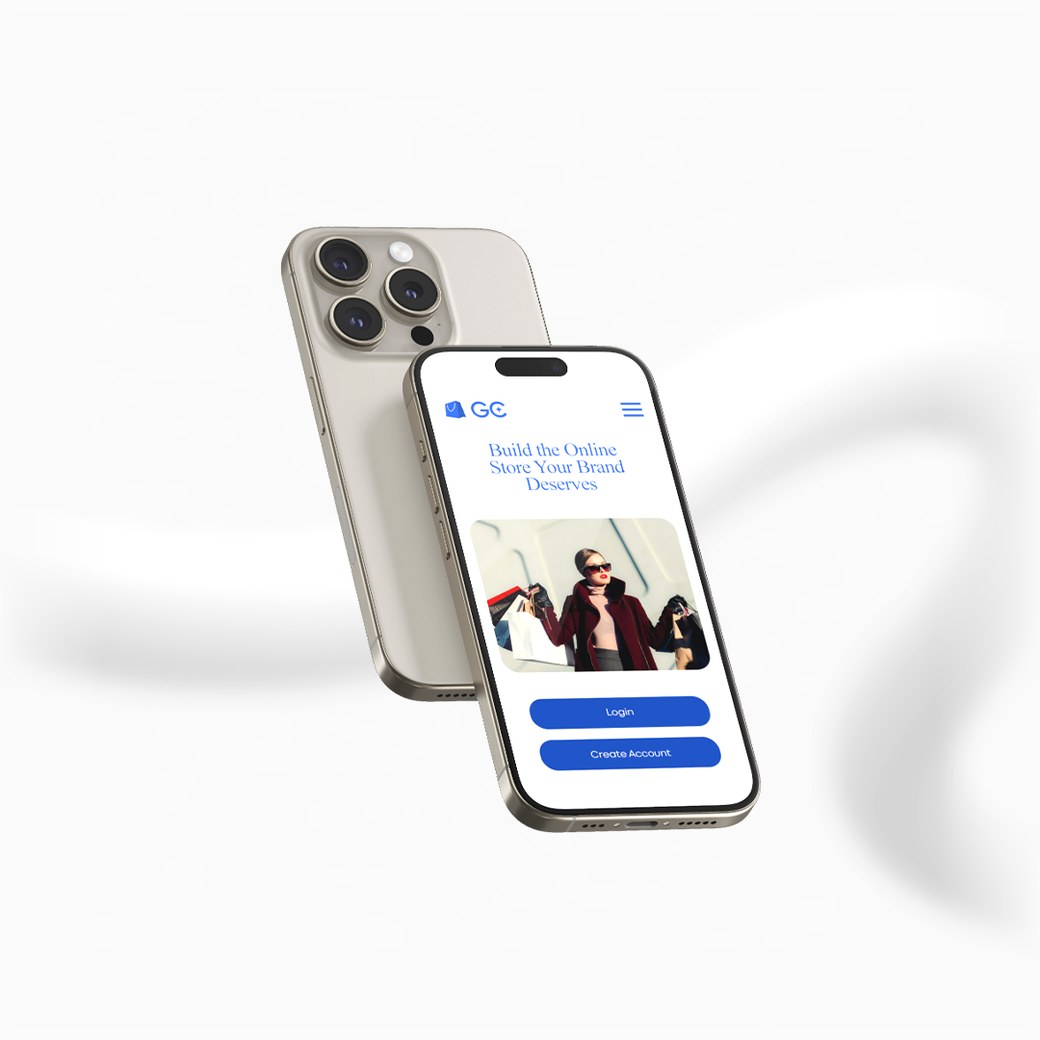
The computer at the counter. The phone in your pocket.
Run the till in a browser, or install the app on Windows, Android and more. The apps are what reach the hardware on your counter.
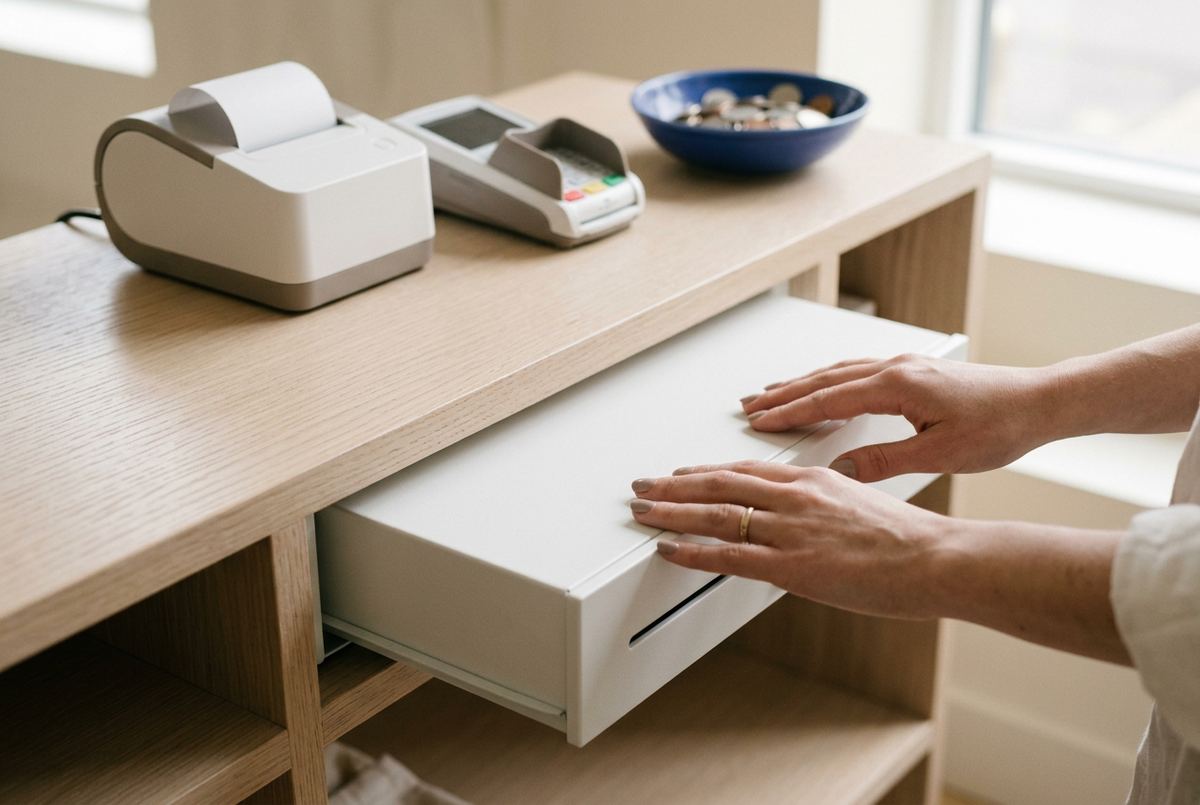
The printer plugged into the computer, or one paired to the phone. A cash sale opens the drawer with it. Printing is on from the first sale; turn it off if you would rather not.
In a browser, or on a device with no printer attached, the receipt downloads instead. Every receipt carries a code the customer can scan to see it again.
Print branded cards with a stripe or a chip, designed in the app with a little help if you want it. A card is worth nothing until you issue it at the counter, and a swipe or a tap reads it back at checkout.
The till works with your store live, so it needs to be online, the same as the rest of the app.
The day, on record.
Every sale, findable
Filter by day or hour, search by customer or who rang it up, see what was in the basket, print the receipt again. Export to a spreadsheet.
What sold
Units, revenue and average price per product over any period.
Returns at the counter
Find the sale, take the items back, refund or issue store credit, and sellable stock goes straight back on the shelf. On Growth and Premium.
A cashier’s keys
A cashier can ring up sales and look things up, and nothing else. Owners, managers and staff each get their own, per store.
Open the till today.
The point of sale is part of every plan, and every plan starts with a free month. No card to begin.